Auto for black and white shirts
One click picks the Levels for your design. Fine-tune them on Photoshop's 0 to 255 scale.
DTF halftone prep in your browser
Turn artwork into print-ready halftones for DTF. Pick your shirt colour, set the Levels and export a transparent PNG.
$8 a month after the trial. Runs in your browser, nothing to install. Your artwork stays on your computer.
Loading the export…
01 / Why halftone
Glows, fades and hazy backgrounds turn up in all kinds of designs, and the AI artwork more and more customers send is full of them. DTF film can only be inked or left clear, so there's nothing in between for those soft parts to print as.
Halftone dots fix all three, but doing them by hand in Photoshop takes a few minutes per design, and once you have a queue of designs like these those minutes add up. Fadedot does the same prep in a few clicks, so you can skip Photoshop altogether.
02 / How it works
Drop in a PNG or JPG and set the print size. The artboard follows your printer's DPI, 300 or 360.
Click Auto for a black or white shirt and the app picks the Levels for your design. For a coloured shirt it gives you a starting point to adjust.
Zoom in on the dots, check the ink coverage, then export a transparent PNG at print size.
03 / Sample exports
Every image here is a file the app exported. Pick a design, a shirt and a dot frequency to load the matching export, then zoom in to see how the glows and fades turned into dots. You get the app itself with the 7-day free trial.
Fewer lines per inch make bigger dots.
Each design is 4 inches wide here so the dots show. In the app you open your own design and work at your real print size.
Loading the export…
04 / Real-world examples
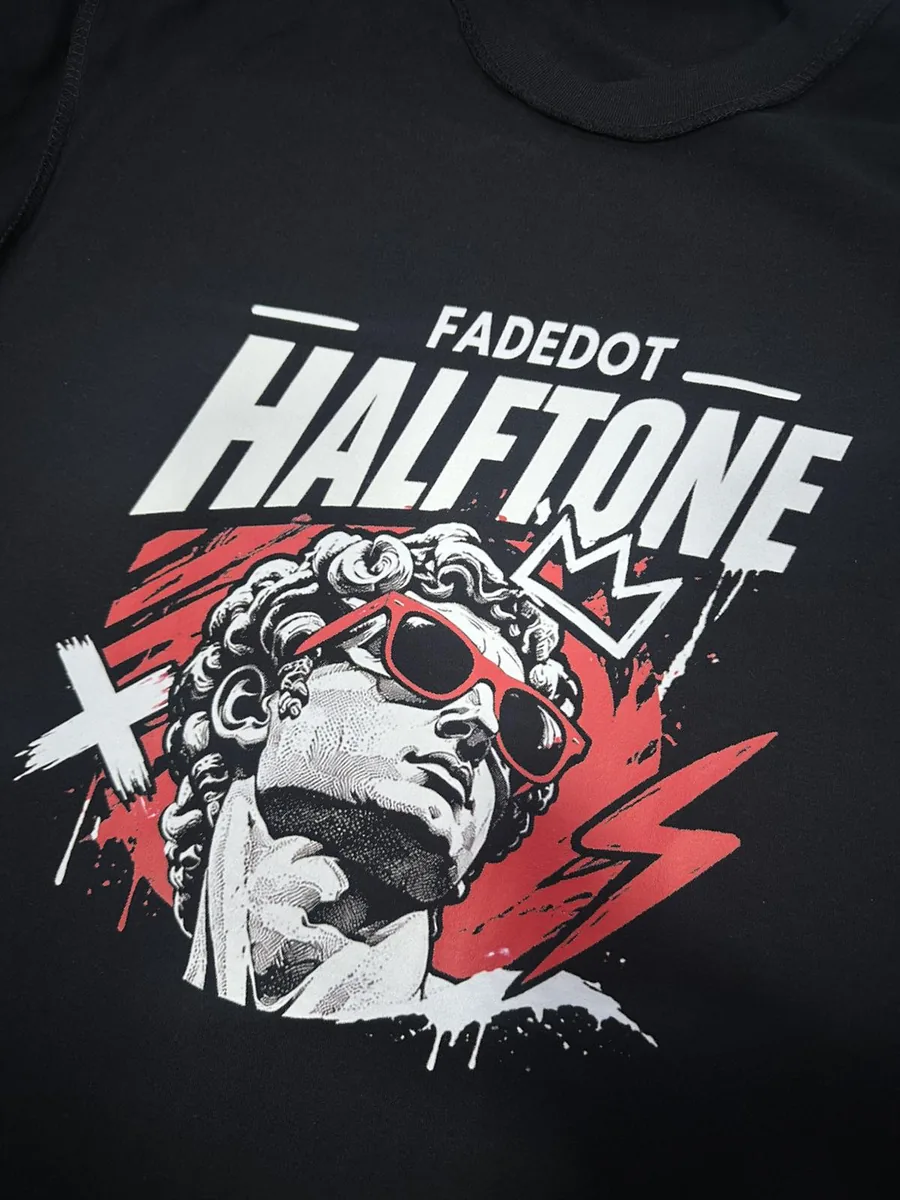
Each example shows a design as it came in next to the shirt printed from the app's export and a close-up of the print, so you can see how the dots look once they are pressed.
05 / In the app
One click picks the Levels for your design. Fine-tune them on Photoshop's 0 to 255 scale.
Colours close to the shirt turn into dots and the shirt colour drops out. Treat it as a starting point and check it before you print.
15 to 65 LPI, any angle, and round, ellipse, square, diamond or line dots.
Remove a black, white or picked background colour. Matching colours inside the artwork stay.
See roughly where the white underbase goes before you print.
300 and 360 DPI presets for Epson, Mimaki and Roland printers, with the artboard in inches.
A 9 × 9 in calibration print with tone ramps, the smallest dots and fine lines, to see what your printer holds.
Save the settings that work for your printer and step back through every change.
06 / Pricing
Try every feature free for 7 days. Cancel any time before the trial ends and you pay nothing.
Monthly
$8 / month
Billed monthly after the 7‑day trial.
Yearly Save $16
$80 / year
About $6.67 a month, billed yearly after the 7‑day trial.
Secure checkout by Polar. Cancel any time.
07 / FAQ
No. The app does the grayscale, Levels and halftone steps you would do in Photoshop, and exports the PNG.
No. Your designs are processed in your browser and stay on your computer.
Black and white shirts have an Auto button each. Coloured shirts vary a lot, so the coloured shirt Auto gives you a starting point to check and adjust.
Any DTF printer that takes a PNG. There are presets for 300 DPI (Epson G-series, Mimaki TxF330-800) and 360 DPI (Mimaki TxF150-75 and TxF300-75, Roland, and i3200, i600 and XP600 heads).
A transparent PNG at your print size and DPI. Only the dots and the solid parts of the design are inked.
The app's preview shows the file exactly. How the dots hold up depends on your printer, film and powder, so run the test print sheet once before a big order.
Cancel from your account any time. If you cancel during the 7-day trial, you pay nothing.